
Log analytics platform
 Log analytics platform
Aggregate Once.
Explore Freely.
Flares turns raw data archives into a private, explorable read model. Each user works with their own workspace, built from aggregates that stay yours to reconstruct at any time.
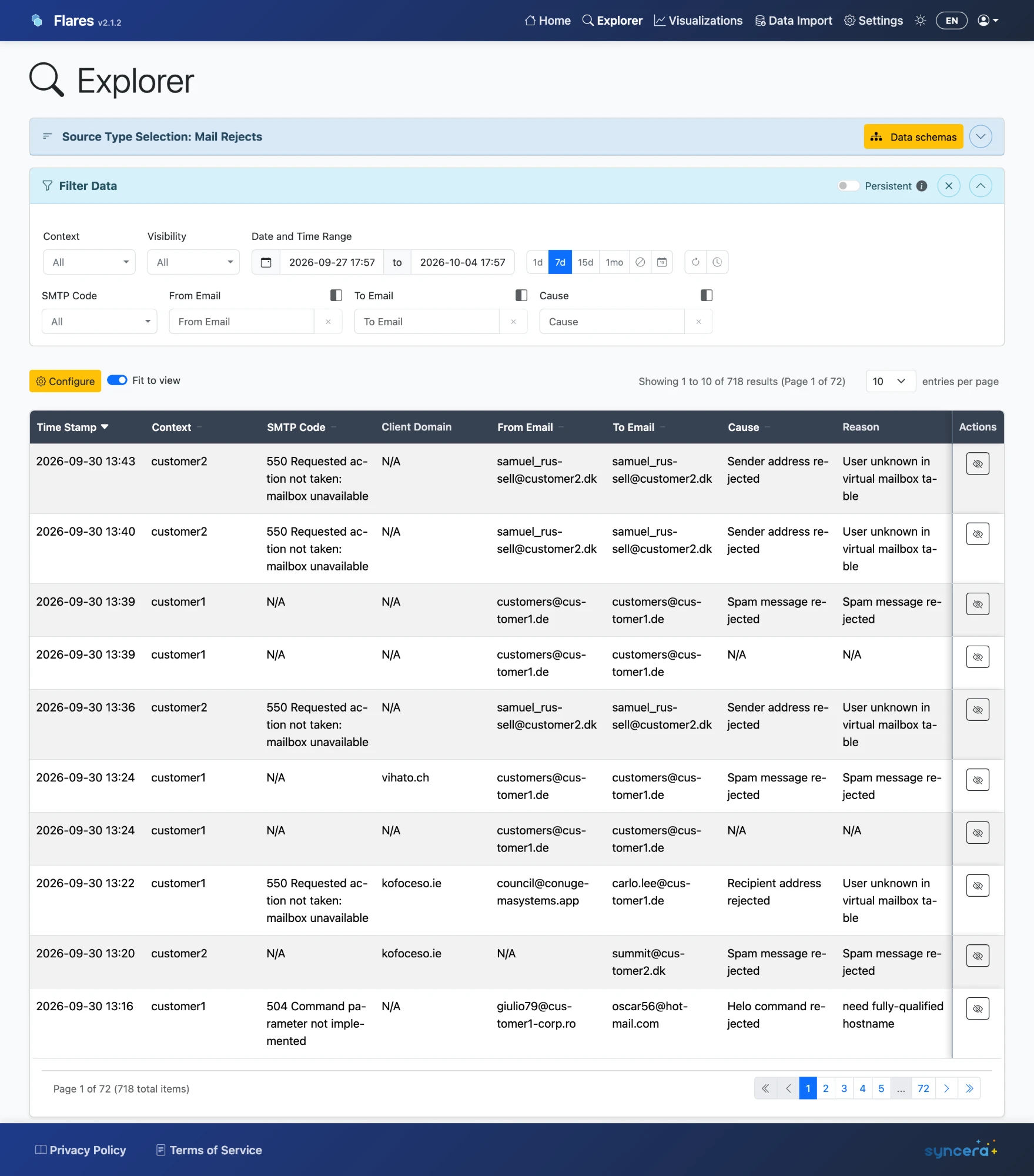
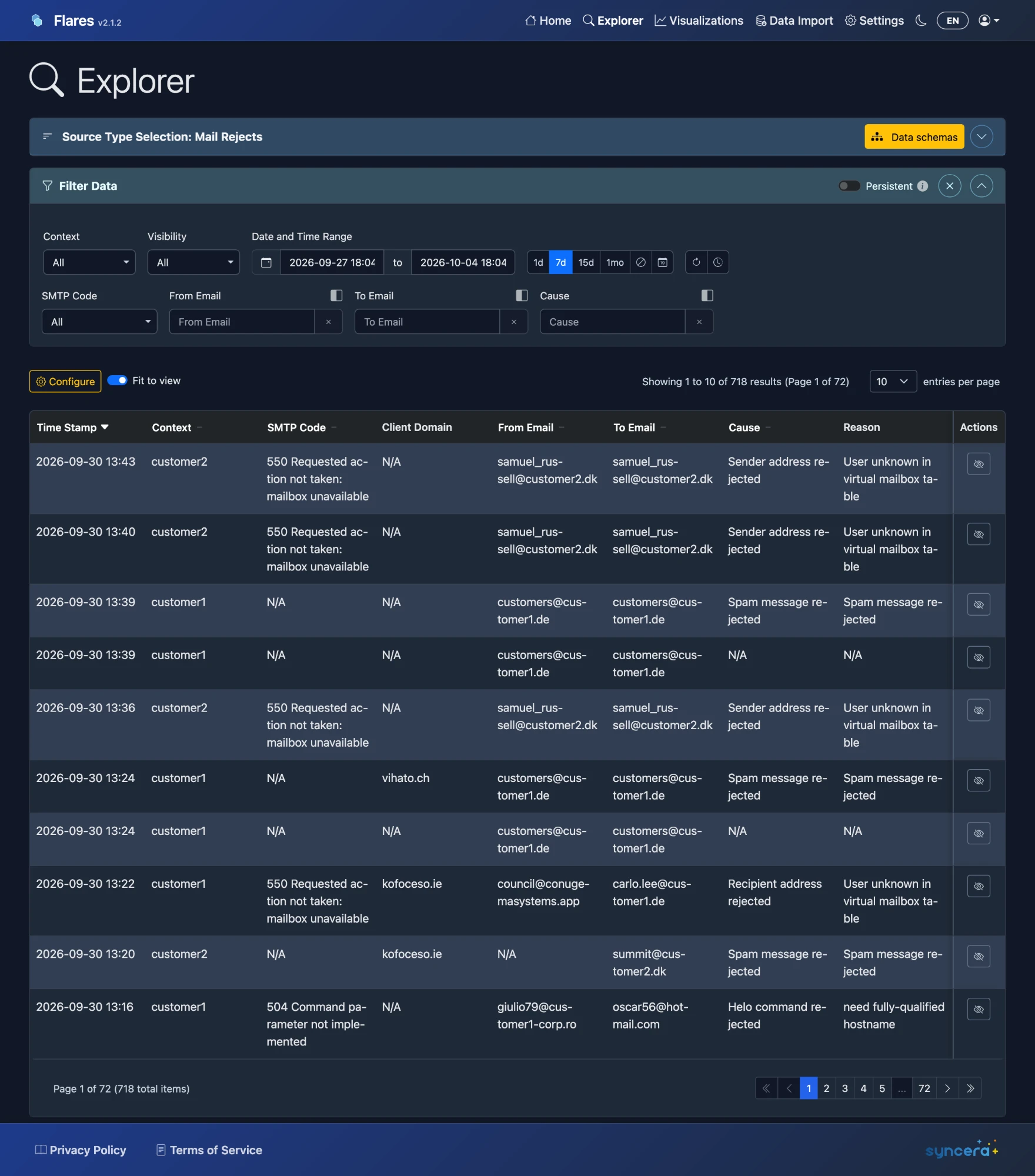
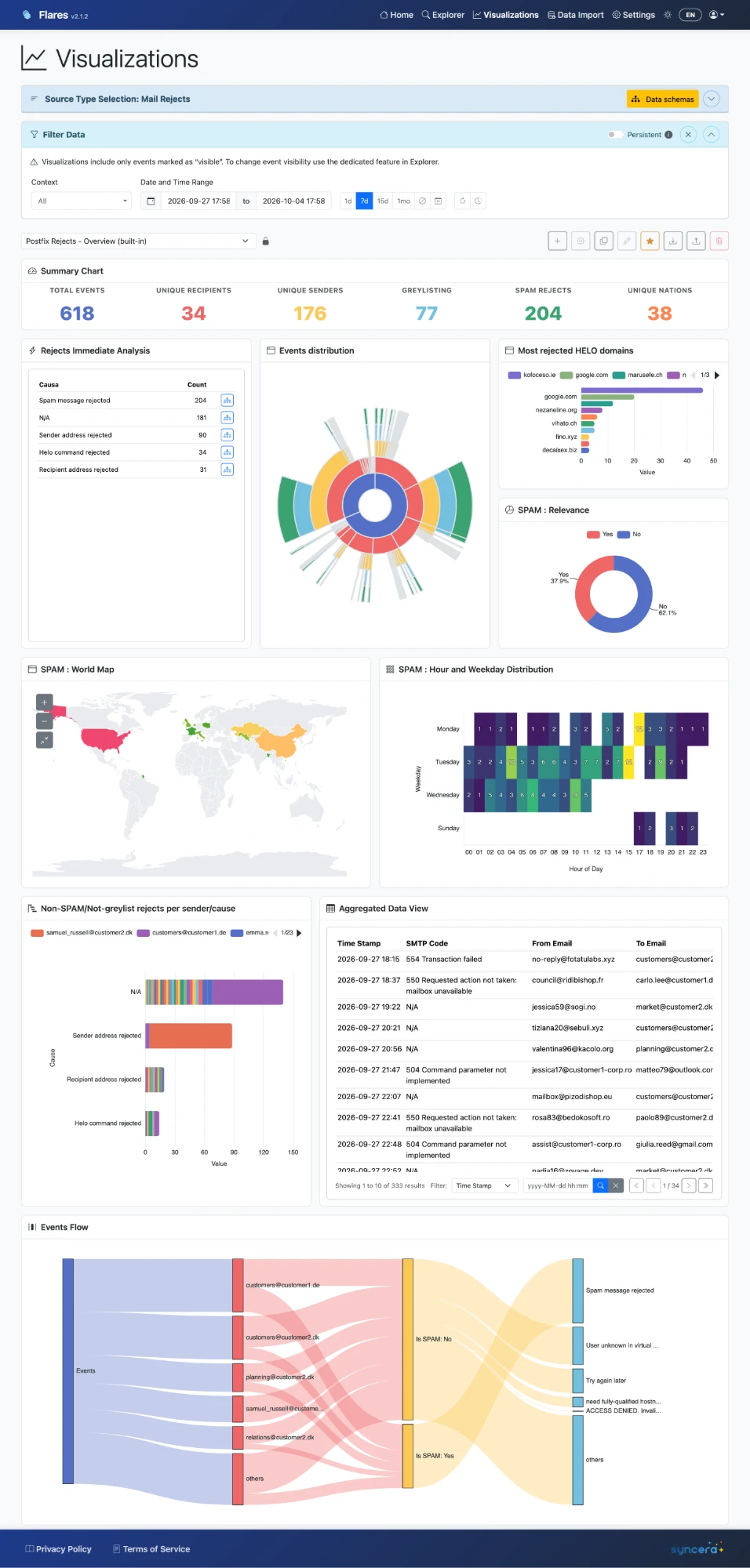
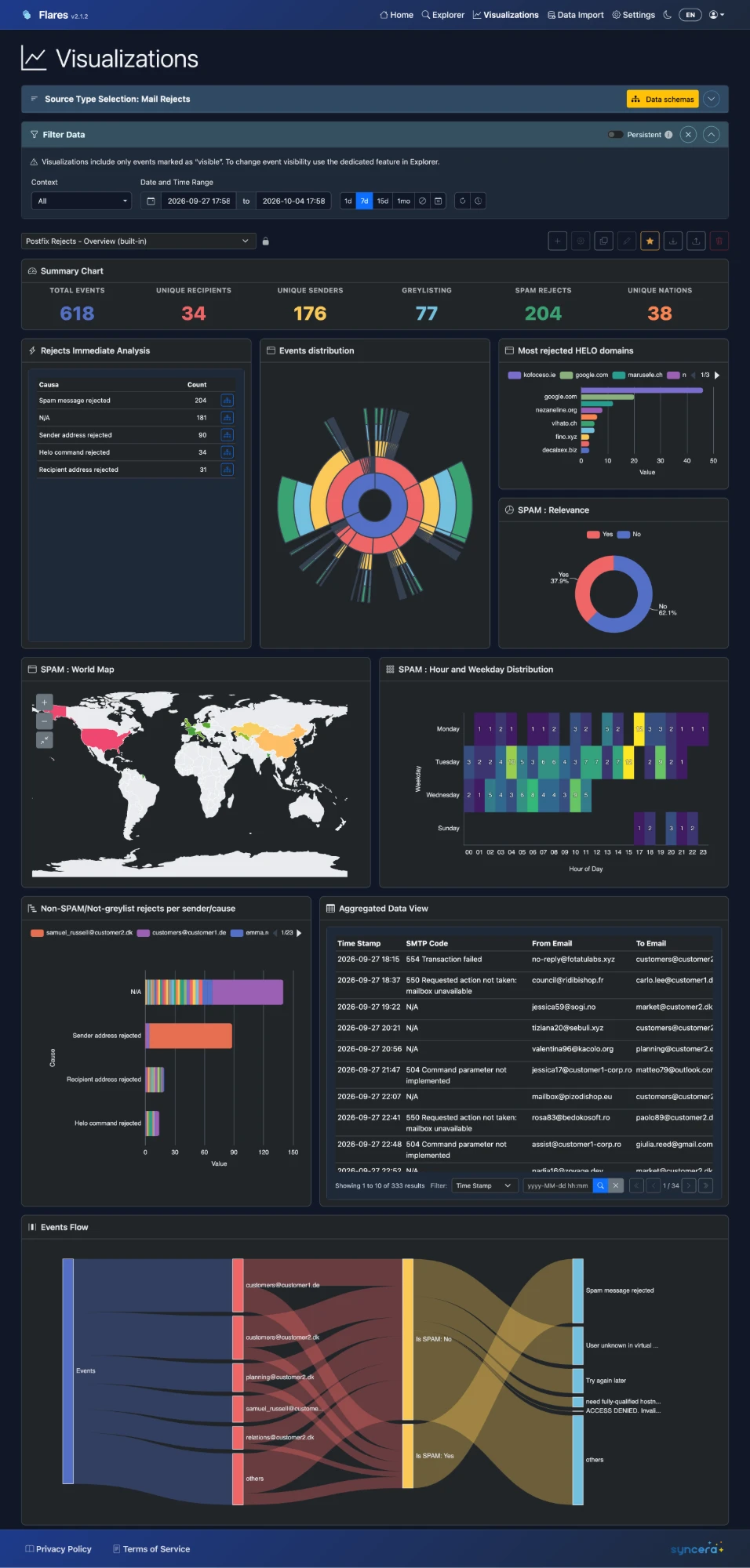
Flares doesn't hand you a fixed dashboard and ask your thinking to fit it — it gives you the means to build a view that actually matches how you read your data.
A Closer Look at Your Data.
Explore imported data, save visualization workspaces, and keep every source in sync — all from one authenticated application.
Explorer
Browse source-specific data with filters, column selection, and sorting built around the way each data type actually reads.
Data Tables
Every workspace can include a table panel in raw or aggregate mode, with column ordering, multi-column sorting, pagination, and its own local filter — a first-class way to read data, not just a fallback for when a chart doesn't fit.
Immediate Aggregates
Get a count, sum, average, max, or top N in one step, with a one-level drill-down right inside Visualizations. No query language, no data-source setup — just an instant answer you can promote into a saved panel later.
Visualizations
Save configurable workspaces built from chart panels — bar, stacked bar, area, donut, histogram, scatter, heatmap, radial, sankey, and world-map — alongside your tables and summary cards.
Data Import & Auto-Sync
Start a manual import for a date range, or subscribe a source to auto-sync and let Flares keep pulling incremental updates on its own schedule.
Advanced Configuration
Materialized data sources, field modifiers, and boolean expressions let you define derived fields once — GeoIP lookups, string splits, business conditions. Explorer's filters and sorting build automatically on the same fields, wherever you use them.
Care Is in the Pipeline.
Reliability isn't an afterthought — it's built into how data moves from raw data to your workspace.
Idempotent by Design
Aggregation runs use leases on the underlying data storage, run audits, and processed markers, so a repeated scheduled or manual run never processes the same data twice.
Auto-Sync You Can Trust
A material change, disablement, or authorization revocation increments the subscription's generation — stale messages are recognized and dropped before they can write data.
Retention, Deliberately Applied
Retention prunes only your local read model after a successful import, never the underlying aggregates — data can be reconstructed if you widen the window again.
Authorization Enforced Server-Side
Access is checked by the API against Cognito claims and context authorization, not by what the frontend chooses to display.
Built to Keep Data Moving.
The architecture separates durable preparation from personal exploration, so imports stay fast and predictable.
Aggregate Once, Reuse Often
Raw data is grouped into bounded aggregate parts with sidecar metadata, so every subsequent import reads prepared data instead of raw files.
A Serialized Import Path
The import worker runs with a batch size and reserved concurrency of one, so your read model is restored, updated, and snapshotted without racing itself.
Materialized When It Matters
Aggregated Data Sources can be materialized into per-user tables that refresh automatically after imports and retention, so panels stay fast without repeating grouping logic.
A Proper Set of Tools.
Everything you need to import, explore, and understand your data.
Explorer
Source-specific browsing of imported data.
Visualizations
Saved, configurable analysis workspaces.
Data Import
Manual imports plus per-source auto-sync.
Account & Settings
Profile, session behavior, and preferences.
See Your Data Differently.
Sign in with your account and start exploring.
Open Flares